Configure and Validate an On-Cloud Scheduling Policy
Use this task to configure preferred and fallback resource pools for a tenant or business region and validate them through a test deployment.
Applicable Roles
- Platform Operators, multi-cloud resource administrators, and deployment-policy administrators
Before You Start
- Confirm that cloud platforms, cloud accounts, and resource pools are healthy.
- Confirm that the target tenant and business region are authorized for preferred and fallback pools.
- Define priority, capacity threshold, fallback conditions, and cross-region constraints.
Procedure
1. Check Access and Authorization
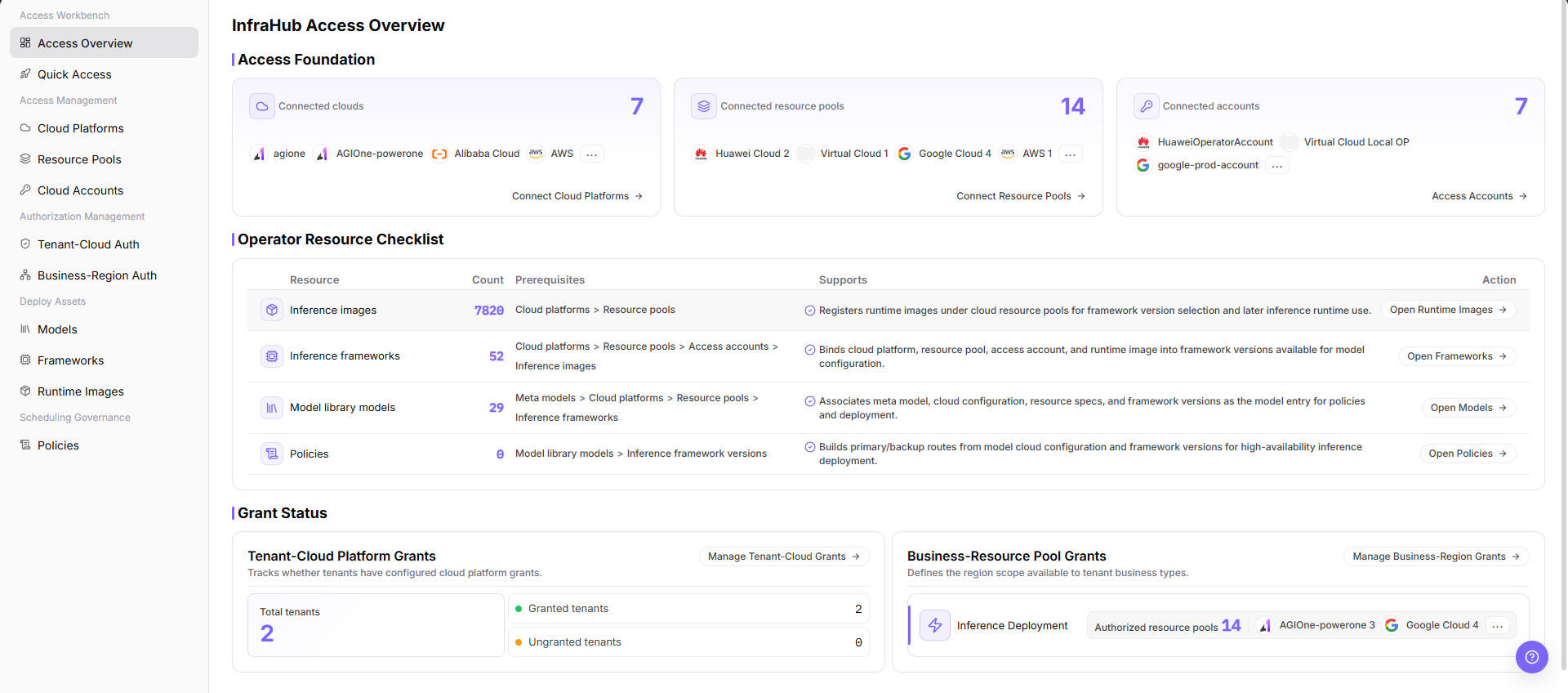
Open Access Overview and confirm target cloud-account and resource-pool state. Then review tenant-cloud authorization, business-region authorization, and available capacity. Do not create a scheduling policy while required authorization is missing.
2. Configure the Scheduling Policy
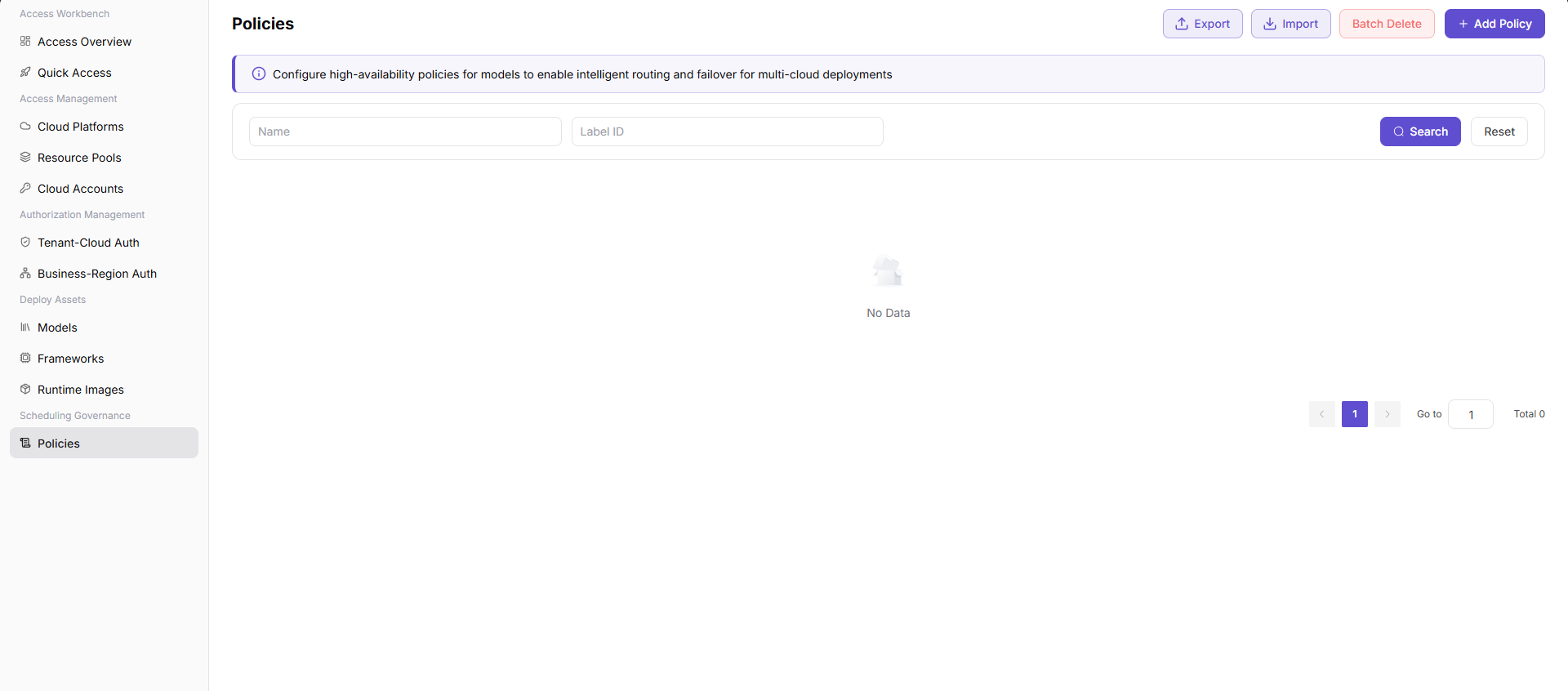
Open Scheduling Policies and set the policy name, tenant or business-region scope, preferred resource pool, priority, capacity threshold, fallback resource pools, and constraints. Assess latency, cost, and data compliance before allowing cross-region fallback.
3. Run a Test Deployment
Deploy a low-risk model and record the selected resource pool, region, deployment state, and events. Validate the preferred pool first. Under controlled conditions, validate fallback or a clear failure when preferred capacity is unavailable.
4. Review Results and Establish Routine Checks
Confirm that the deployment result matches the policy and record actual cost, startup latency, and resource usage. Review pool capacity, authorization, and policy priority periodically so that prerequisite changes do not invalidate the policy.
Completion Checklist
Purpose: These checks confirm that the policy is proven by a test deployment, not just saved on the page. Restore authorization, capacity, or policy configuration when any check fails.
| Check | Pass Criteria |
|---|---|
| Authorization foundation | Preferred and fallback pools are available to the target scope. |
| Policy configuration | Scope, priority, threshold, fallback, and constraints are correct. |
| Preferred validation | With normal capacity, the test deployment selects the preferred pool. |
| Fallback validation | When the preferred pool is unavailable, the policy falls back or returns a clear reason. |
| Operational review | Capacity, cost, latency, and compliance impact are recorded. |
Troubleshooting
| Symptom | Check First |
|---|---|
| Deployment does not select the preferred pool | Capacity, enabled state, business-region authorization, and policy priority |
| No fallback when the preferred pool is unavailable | Fallback configuration, authorization, capacity, and cross-region constraints |
| Saved policy does not affect existing instances | Policies normally affect subsequent scheduling; handle existing instances separately |
| Cost or latency rises after fallback | Resource pricing, region distance, network, and SLA constraints |