Build an NPU Inference Template
Target Outcome
The template exposes compatible framework, model, and runtime configuration so the required NPU card-count plan can be checked during deployment.
An inference template relates a model version to an adapted framework version. NPU means neural processing unit, and accelerator memory is the memory used to run the model.
Applicable Roles
- Platform Operator
Before You Start
- Prepare the model configuration, framework, image, resource specification, ports, and storage requirements.
- Decide the actual card count, single- or multi-node topology, and whether to use multiple smaller instances.
Entry
- Role: Operator
- Menu: On-Prem > Templates > Inference Templates
- Route:
/powerone/fast-build-v2/inference-templates
Steps
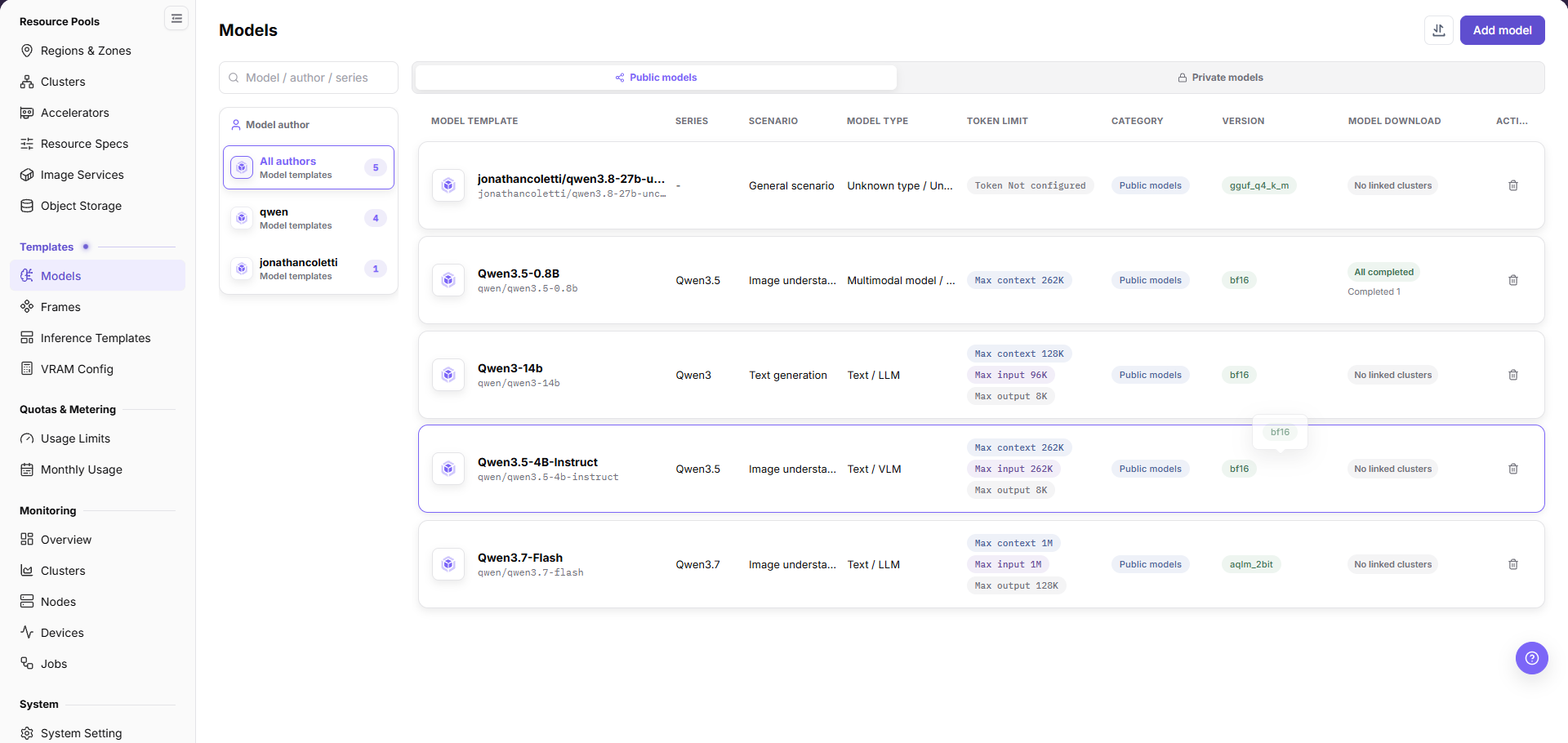
- Open Model Configuration and confirm that model name, type, storage location, and state are available.
- Open Frames and confirm that framework version and runtime image support the target NPU.
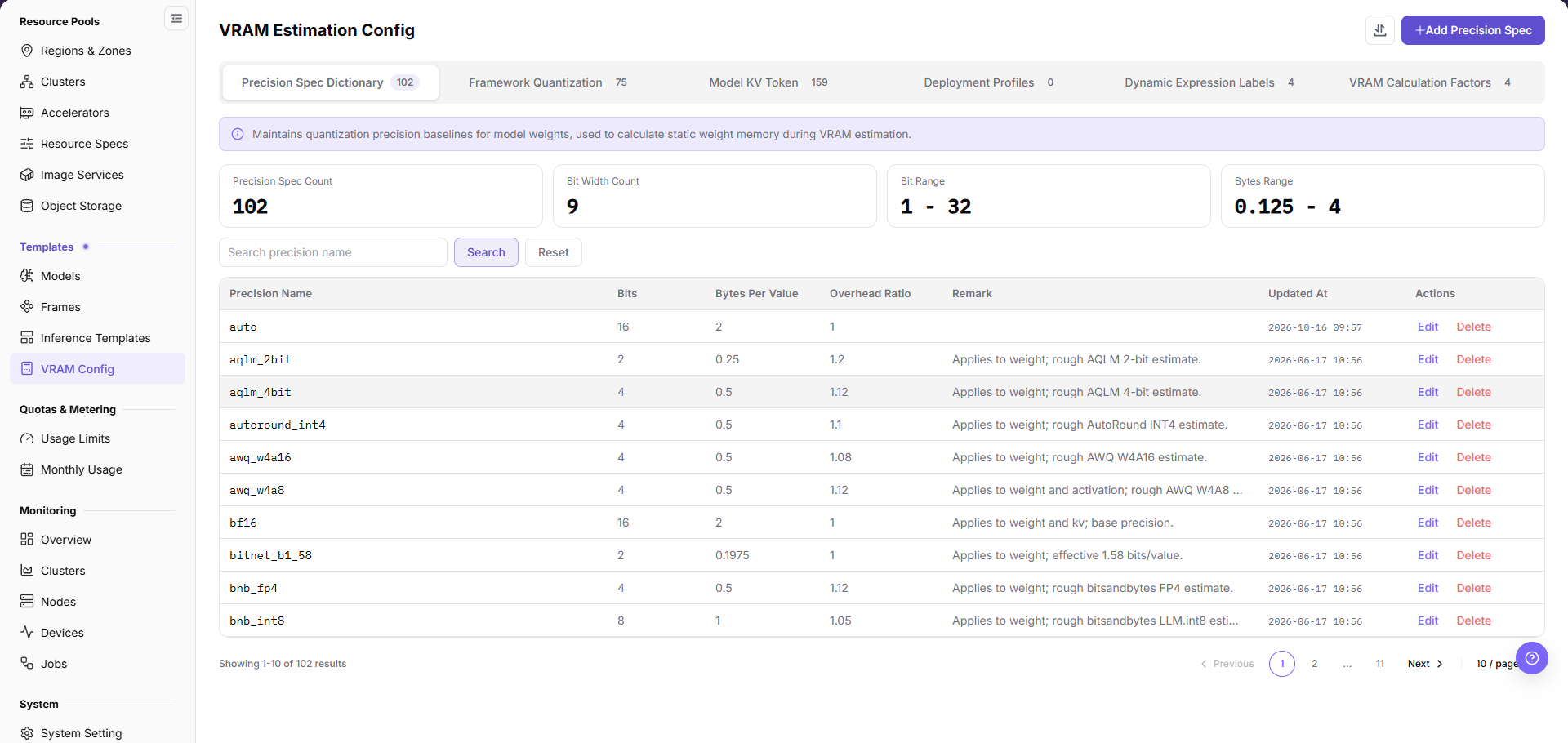
- Open VRAM Config and confirm one-card and multi-card memory requirements for the parameter scale, precision, and parallel method.
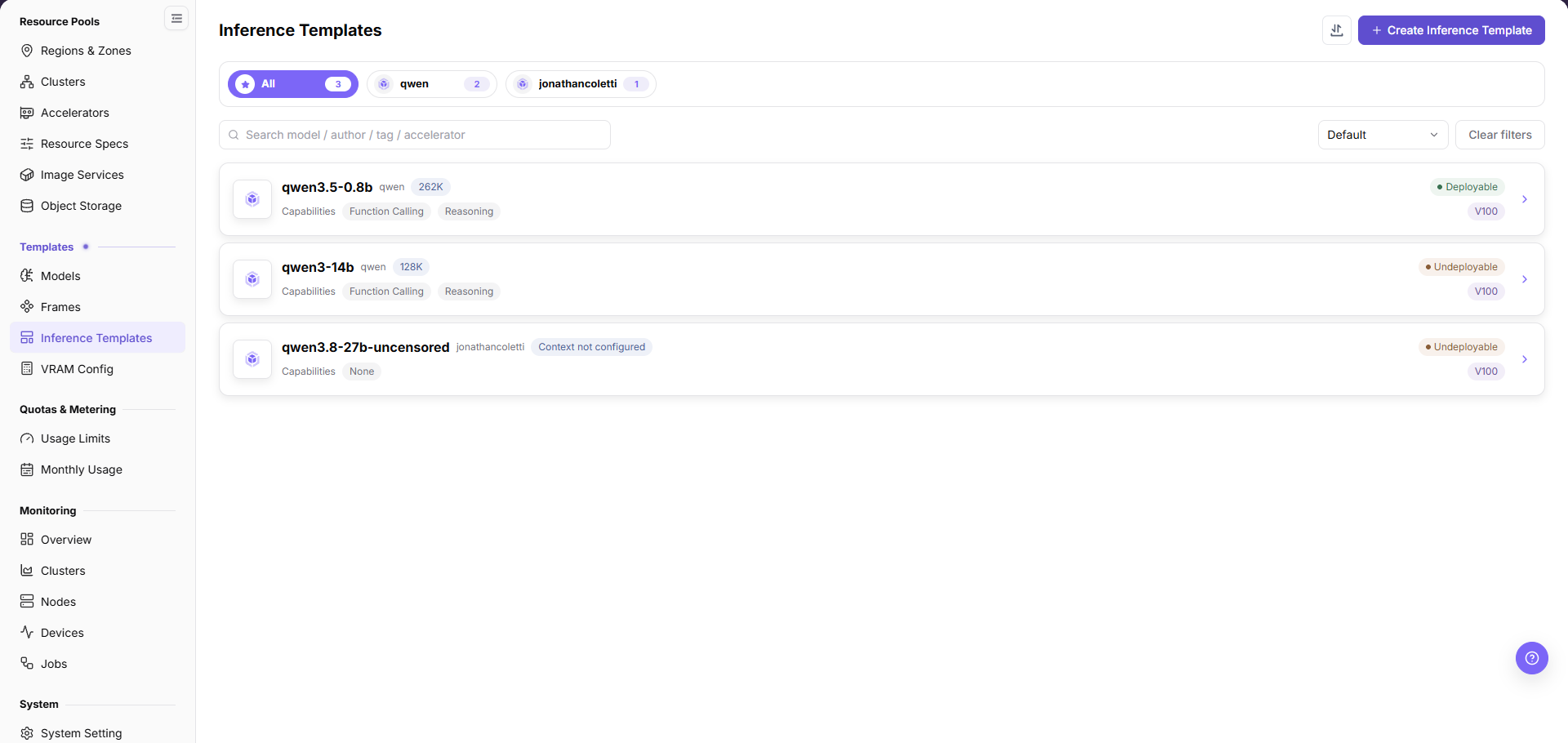
- Return to On-Prem > Templates > Inference Templates, select Create Inference Template, choose Model and the required Model Version, select a compatible Framework Version, verify the template name, and select Save. The same model-version/framework-version combination cannot be created twice.
- Open template details and locate the combination in Model Version Switch and Framework Relations. Check the runtime image in LINKED FRAMEWORK INFO, TEMPLATE EXTRA PARAMETERS, BOUND ACCELERATORS, and the linked VRAM factor form.
- The list’s Deployable/Undeployable state is distinct from a framework relation’s Available state. Do not treat switching an entire template to Available as a creation step; verify dependencies and each relation instead.
- Card count and the actual resource plan are confirmed with business parameters and specifications in the user deployment wizard. The create-template dialog has no card-count, port, or health-check fields; framework commands and service exposure belong to Frames.
- Use an approved test deployment to check accelerator model, count, memory, and startup. Saving a template does not prove a running service.
Four-NPU Strategy
Worked example: This section retains a four-NPU example. Use these tiers only when the model, capacity, and scheduling topology support them; other environments use their actual device inventory and workload requirements.
- Maintain a template per model-version/framework-version combination. Verify one-, two-, or four-card plans during deployment instead of creating duplicate templates for the same combination.
- State whether a four-card template requires one node or supports multi-node deployment.
- Validate drivers, runtime, collective communication, and health checks with a small model first.
Completion Checklist
Check the results below; resolve failed items using the troubleshooting section before continuing.
| Check | Pass Criteria |
|---|---|
| 1 | Model, framework, VRAM estimation, and template records are visible and available. |
| 2 | The framework relation binds the intended accelerator model, and the deployment specification matches the required card count. |
| 3 | A test deployment runs and passes a service-health or minimal-call check; Creating alone is not a successful validation. |
Troubleshooting
| Symptom | Check First |
|---|---|
| Framework or model is unavailable | Status, region, compatibility, and template prerequisites |
| Four-card deployment cannot start | Specification, distributed parameters, free cards, ports, and storage |
| Template remains unavailable | Model or framework state, accelerator relation, VRAM factor, required fields, and the list deployability and individual framework-relation states |
| Extra parameters cause a startup failure | Parameter names, value format, framework support, and whether the parameter requires professional-service validation |