Install Cursor and use AGIOne as the model provider
Install Cursor
Visit the Cursor website https://cursor.com/ to download and install the version suitable for your operating system. 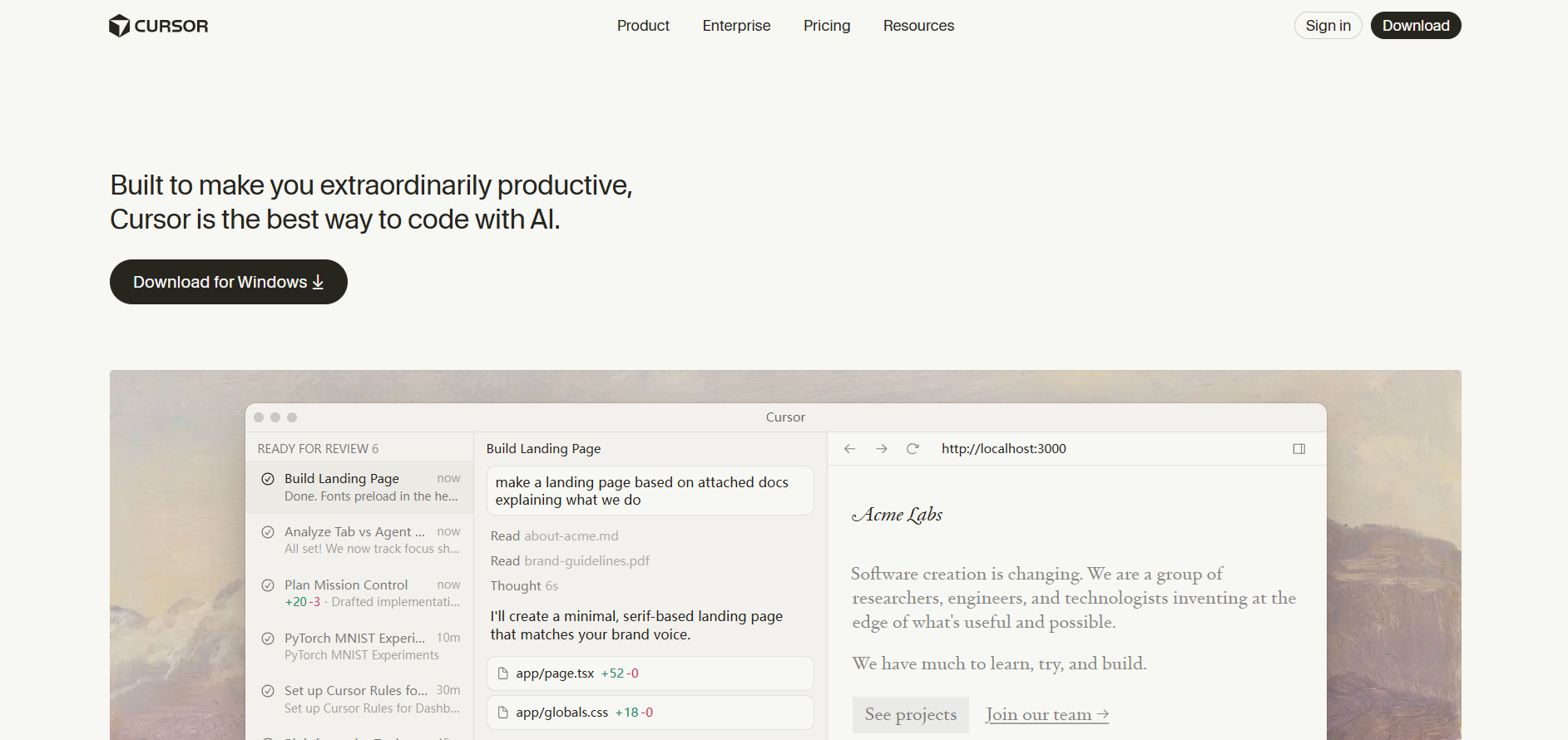
Model Configuration
- Visit AGIOne and register an account.
- Go to the model marketplace, select a model, enter the API Usage page, and obtain the API key and model id.
Configuration instructions (Using AGIOne as the model provider)
- Register and log in to Cursor.
- In the settings interface, open the "Models" section, fill in the ID, Base URL, and API Key, and then click the "Add Custom Model" button. - OpenAI Base URL:
https://agione.pro/hyperone/xapi/api- Model ID: The model ID to be used, which can be obtained from the AGIOne platform model API call details.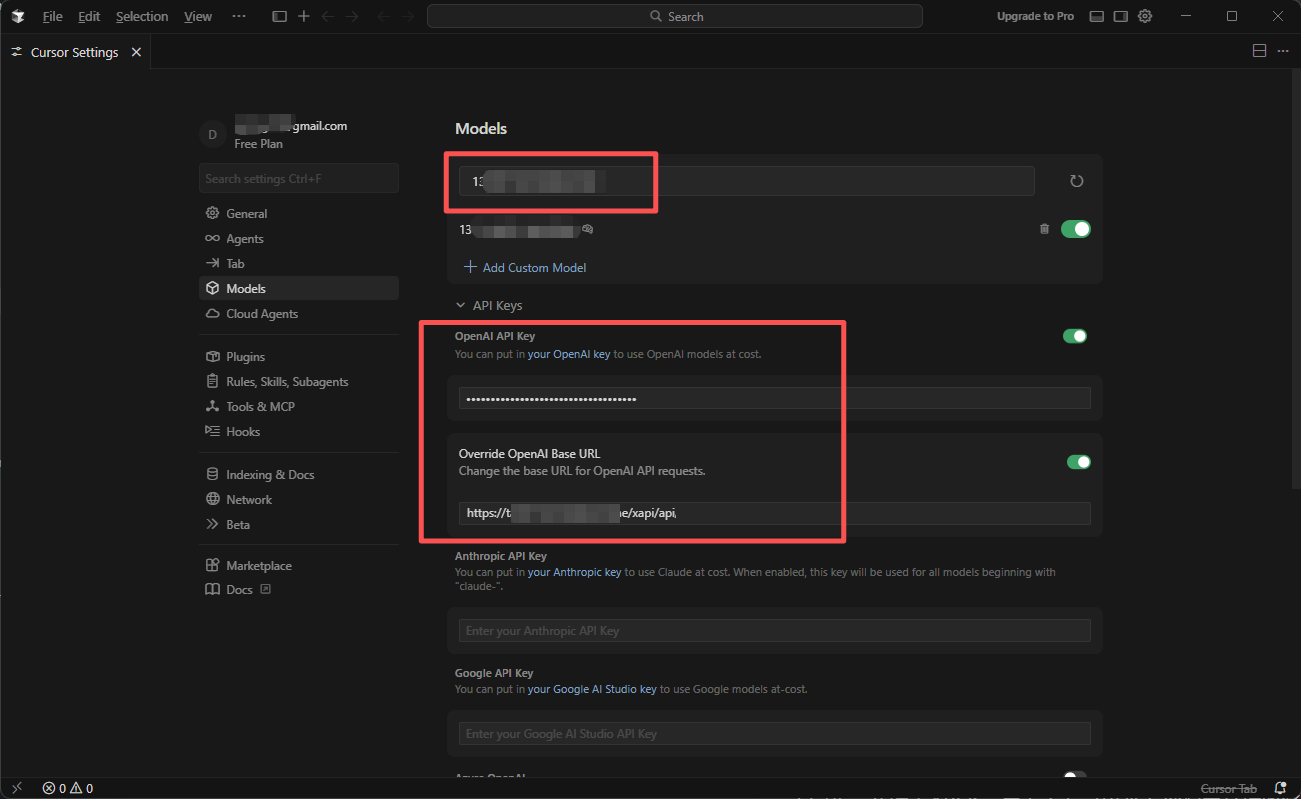
- Open the project and select the added model to start using it.
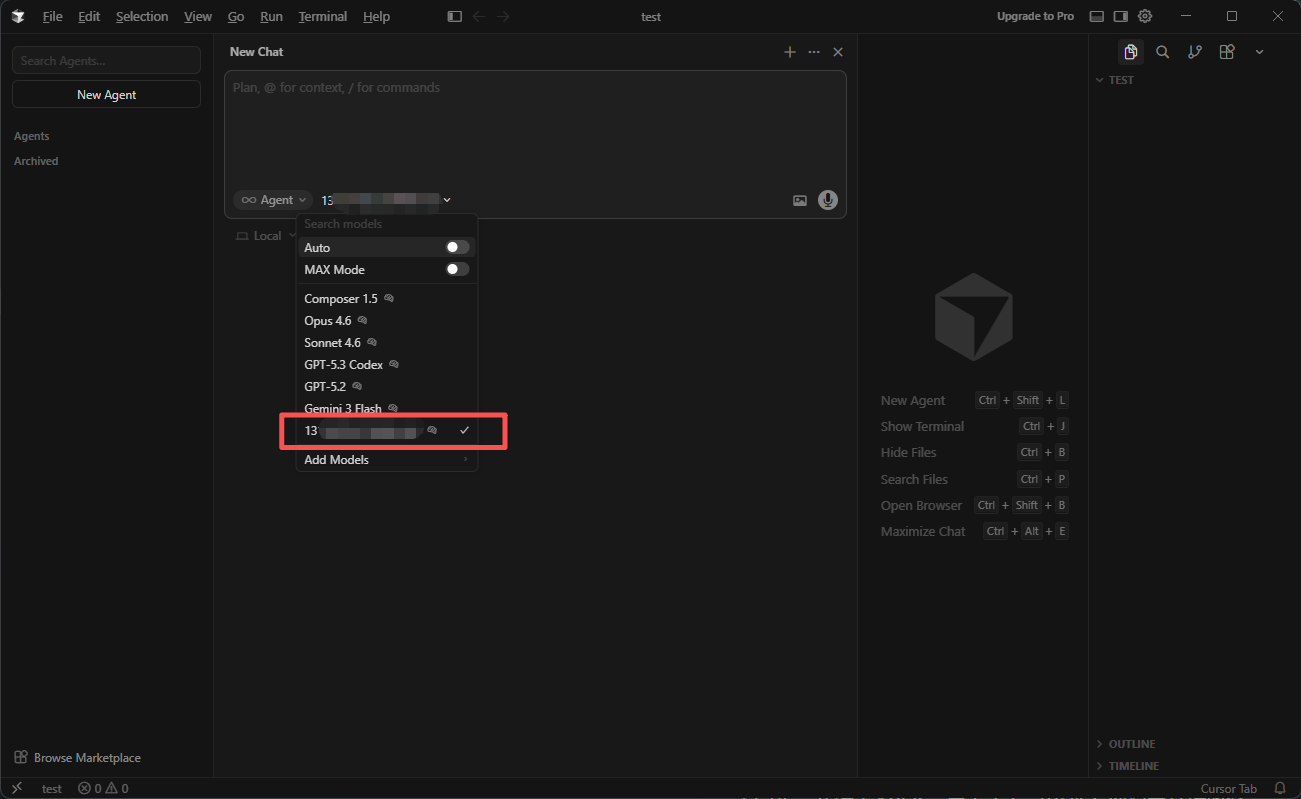
Note: Due to Cursor's limitations, only users with a Cursor Premium subscription or higher can customize their model.